 Terrain Rider
Ride free
Mountain biking, in your browser
Terrain Rider riding guide
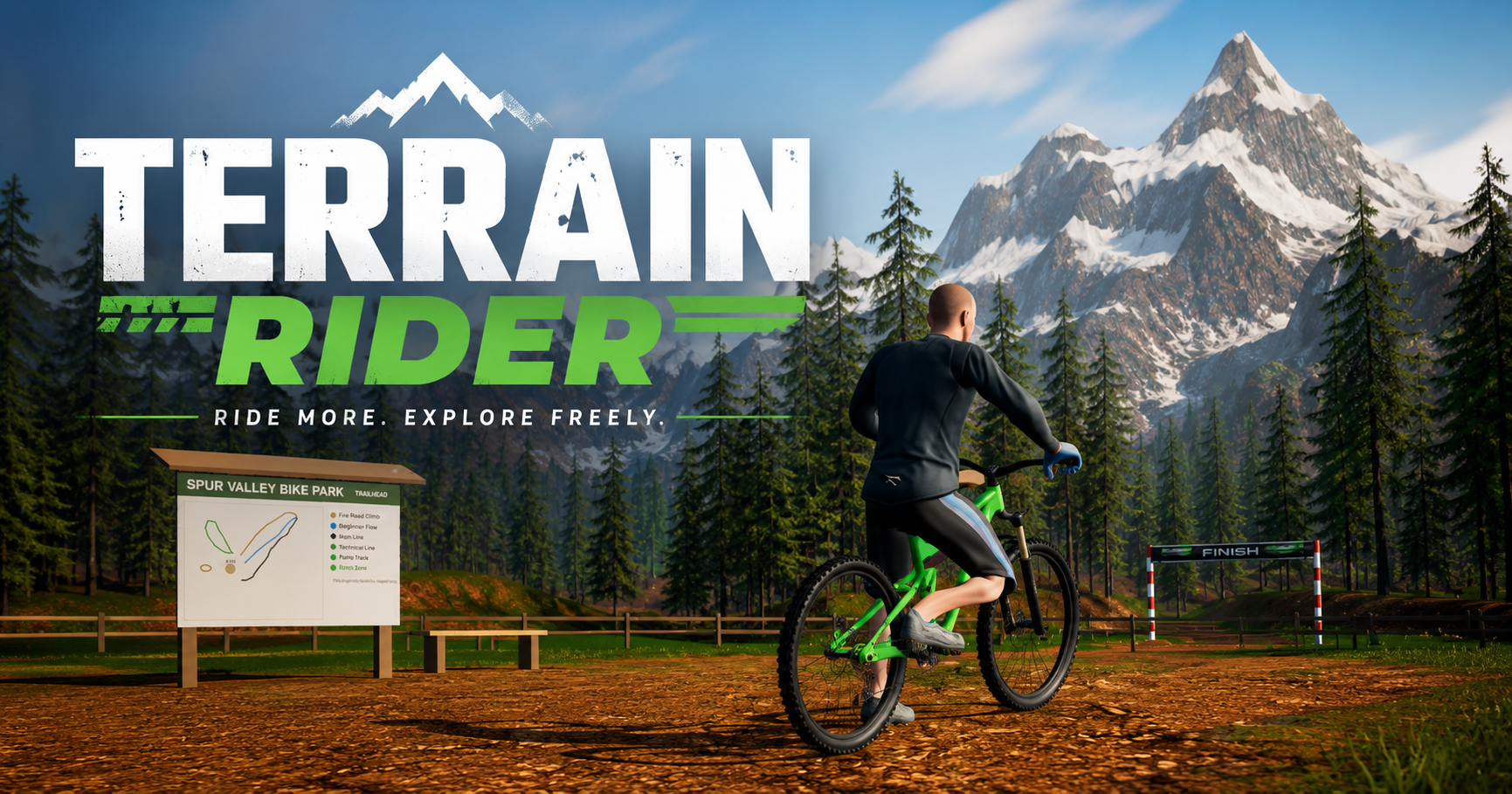
Terrain Rider is a free mountain biking game and physics-based MTB simulator you play online in your browser. Ride real-world mountain terrain, customize your bike, practice bunny hops, and take on timed courses. You can explore at your own pace or meet other riders in a shared multiplayer world.
This guide covers getting started, keyboard controls, bike setup, and choosing a ride. No game installation is required; use a modern browser with hardware graphics support and an internet connection to load the 3D world.
How to start mountain biking
- Open Terrain Rider, choose a player name, and select Start riding.
- Use the Garage to customize your mountain bike.
- Open Experiences to choose a mountain biking adventure, or explore using the map.
- Open Controls in the menu for the current keyboard, gamepad, or touch controls.
Mountain bike controls
These are the default keyboard controls. The in-game Controls panel also shows bindings for your input device and activity.
| Action | Default keys |
|---|---|
| Pedal | W or Up arrow |
| Brake | S or Down arrow |
| Steer | A / D or Left / Right arrows |
| Lean back / forward | Q / E |
| Bunny hop | Hold Space to preload, release to hop |
| Interact or mount / dismount | F |
| Recover your ride | R |
| Change camera | C |
| Show or toggle map | M |
| Open / close menu | Esc |
How do you bunny hop?
Hold Space to preload, then release to hop. Practice on level ground before trying a trail jump. Lean and steering input affect how the bike moves in the air, so the approach and takeoff matter.
Customize your mountain bike
Open the Garage to build and tune your ride. Choose from the available frames, forks, handlebars, wheels, and tires, then change colors and rider equipment. Downhill, enduro, and electric bike options give you different ways to explore the same terrain.
The simulation combines bike and rider movement with tire grip, suspension, braking, and terrain contact. Try a familiar stretch of trail after changing your setup so you can compare how the bike handles.
Find trails and mountain biking time trials
In Map, select a destination under Fast travel to arrive on foot. In Experiences, start a mountain bike ride to arrive with your bike equipped. Your fleet is packed into the Garage before travel.
Ride freely to explore real-world roads and trails, or choose a timed course to practice a repeatable run. The world uses real elevation and mapping data, so a hillside or trail changes the challenge as you ride.
Can you ride with other players?
Yes. Terrain Rider includes online multiplayer in a shared world. Use the Multiplayer section of the menu to manage your online presence and meet other riders. You can also explore on your own.
Does Terrain Rider need a download?
No game installation is needed. The game loads in your browser and streams terrain as you explore. Keyboard, gamepad, and touch controls are available. If riding feels slow on your device, open Settings and lower the graphics quality.
Who made Terrain Rider?
Terrain Rider was created by Digital Nature. Read the Terrain Rider development case study for more about its mountain bike physics and real-world terrain.